
Forex and derivative trading involves significant risk and can result in the loss of your invested capital...
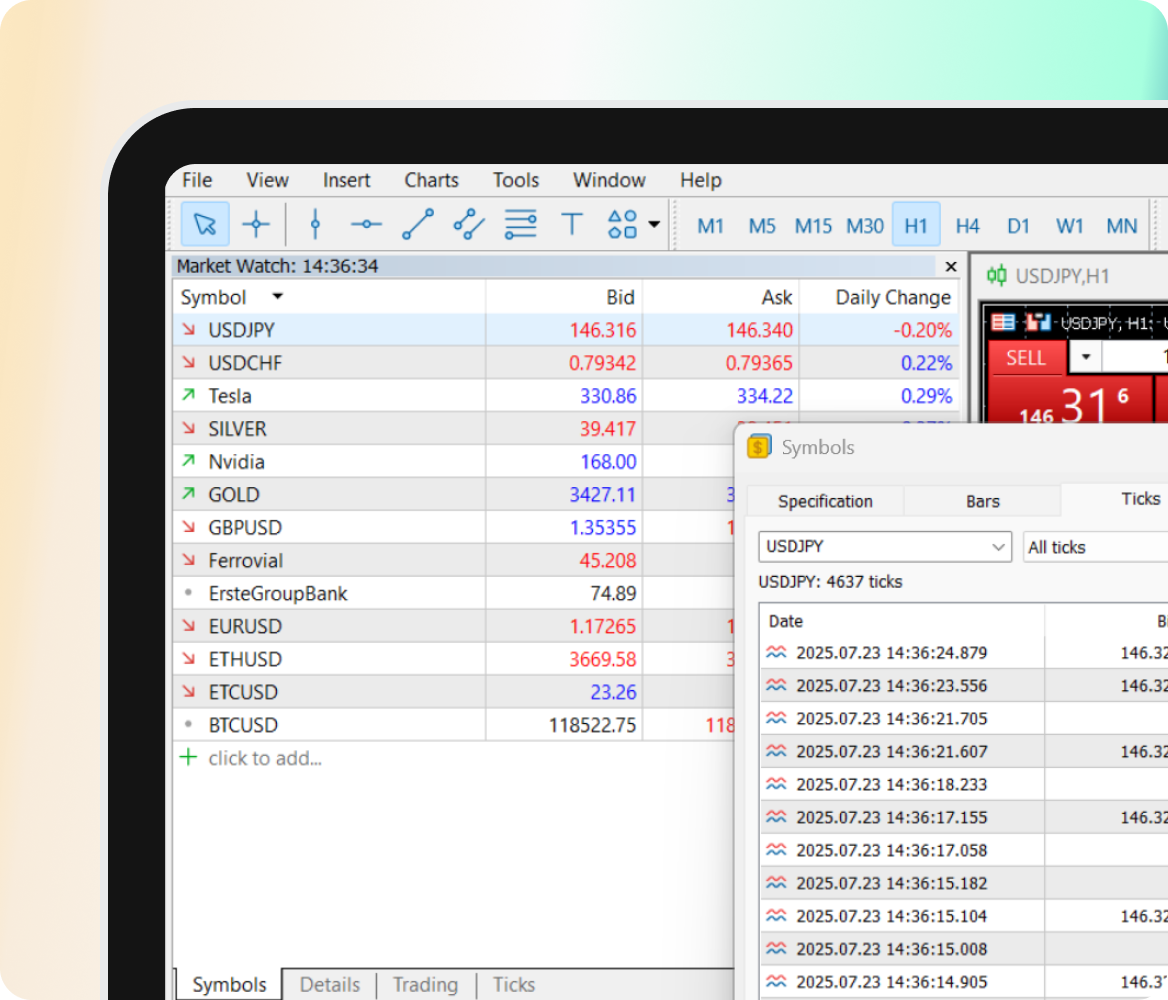
Trade 1400+ instrumentsAccess global markets from a single platform, including Forex, Commodities, Indices, and more.
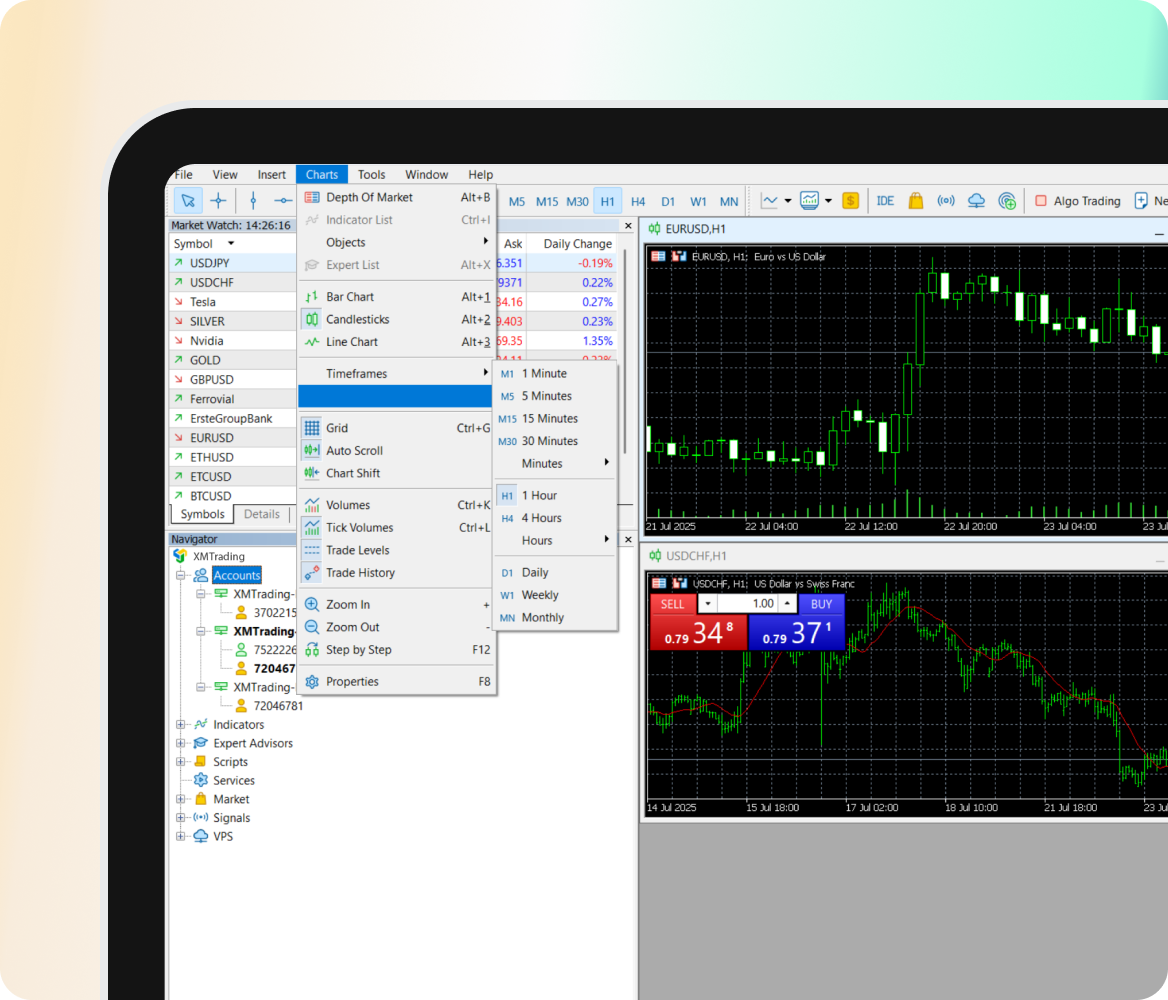
21 built-in timeframesMonitor the markets with more precision using 21 timeframes - more than double what’s available on MT4.
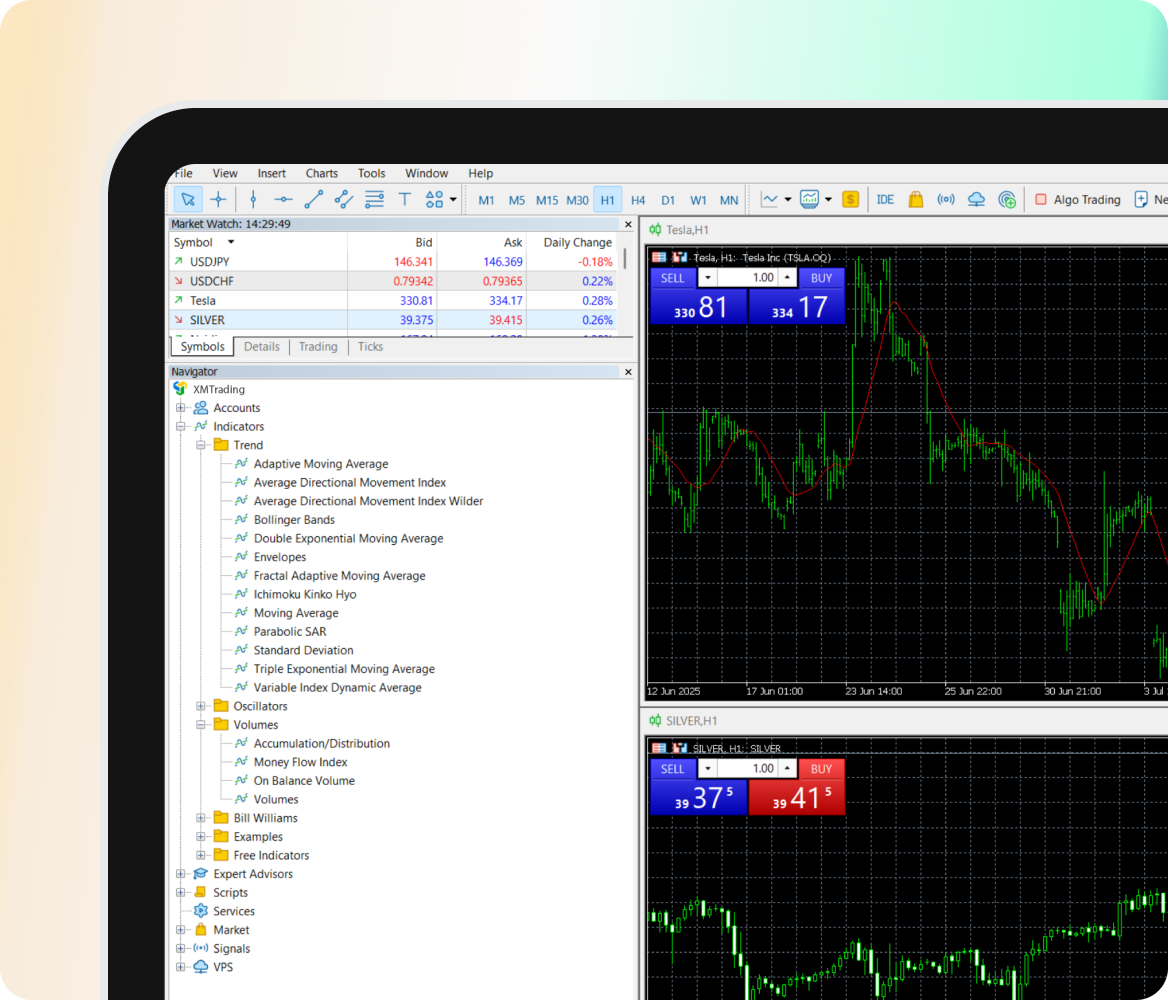
80+ technical indicatorsAccess over 80 built-in indicators for deeper technical analysis and smarter decision-making.
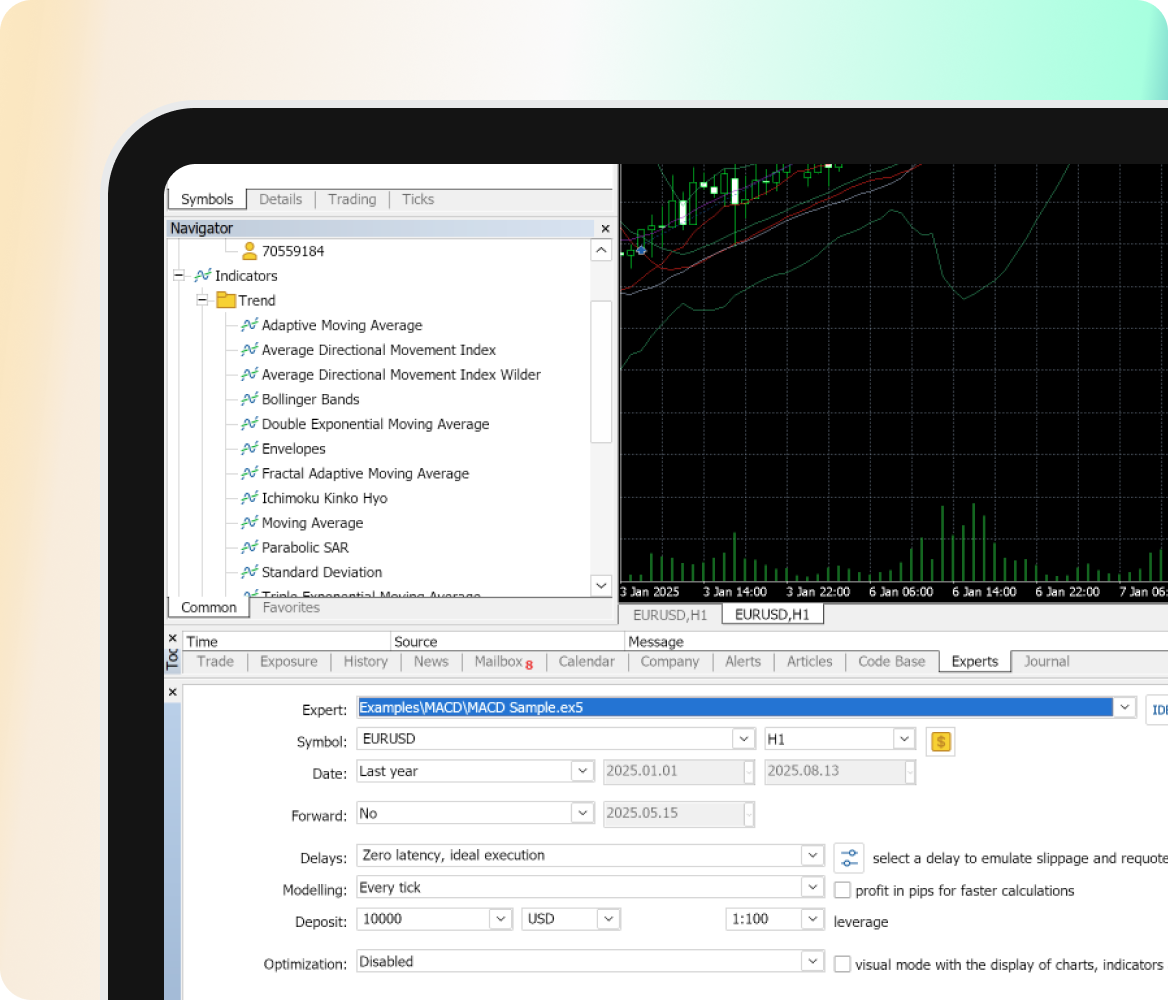
Improved strategy testingBacktest and optimize automated trading strategies using MT5’s multi-threaded strategy tester for improved accuracy and performance.
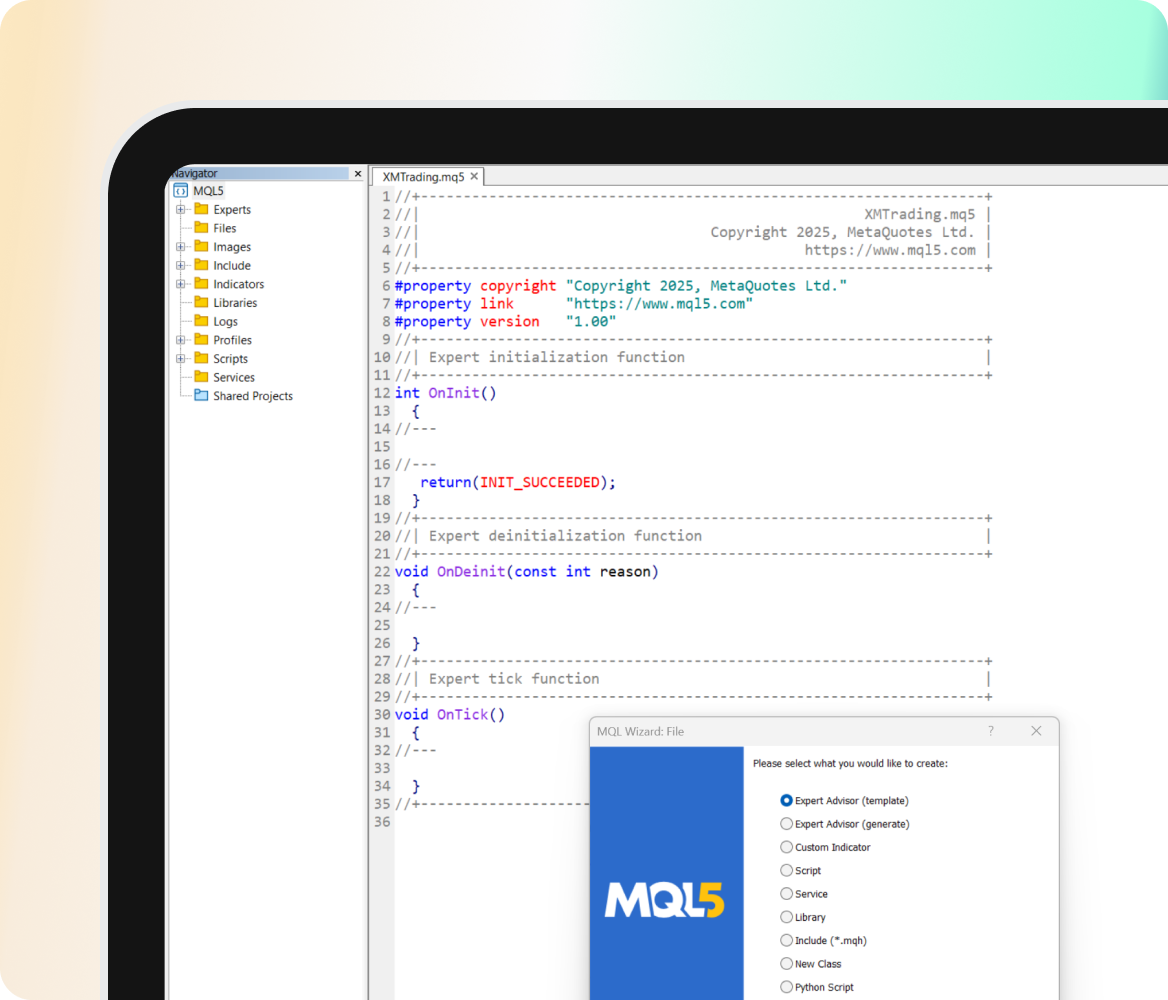
Enhanced coding with MQL5Build more powerful trading tools with a faster, object-oriented language designed for advanced EAs and indicators.
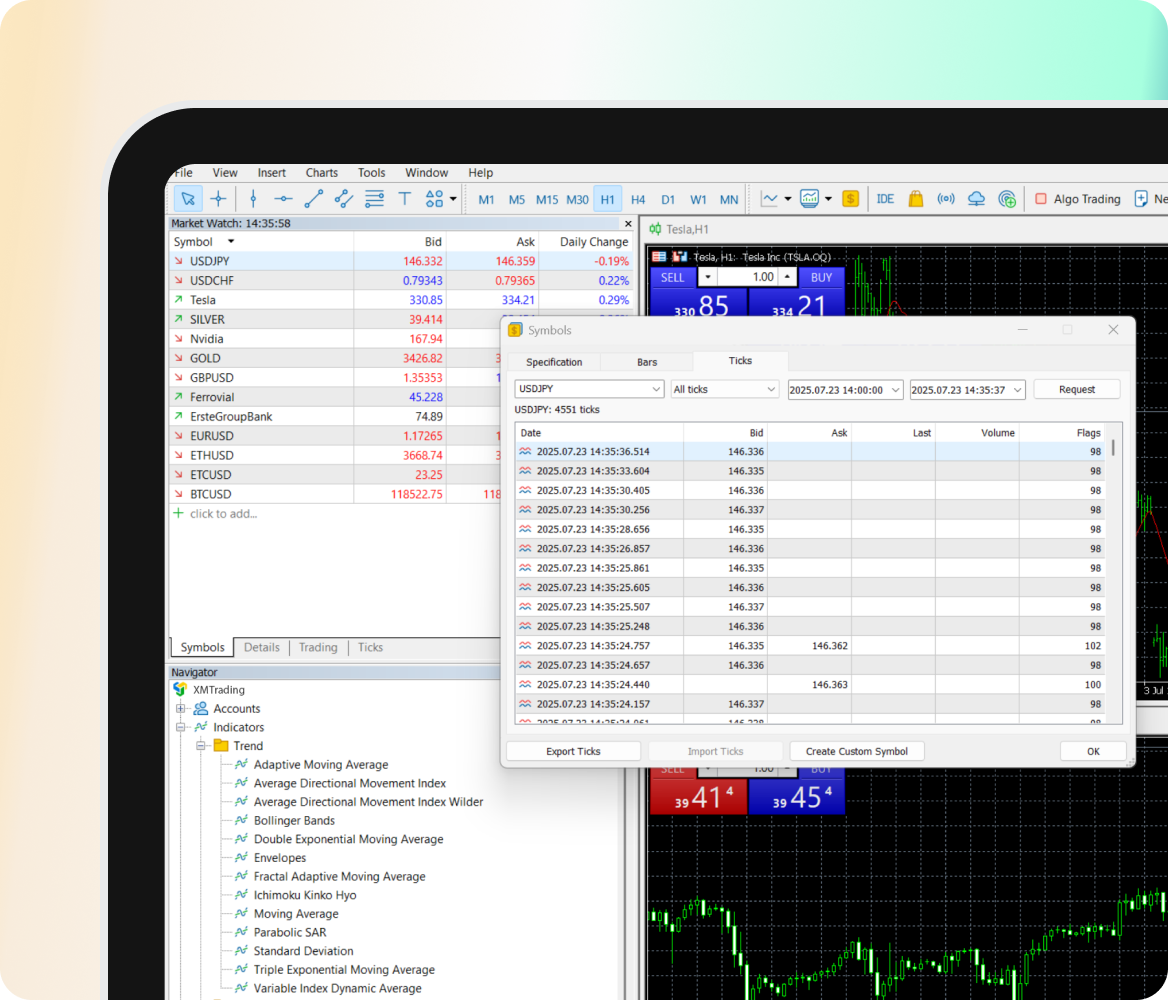
Unlimited chart & tick historyReview unlimited chart and tick history with real-time backfilling - perfect for deep analysis and accurate backtesting.





Trusted by traders,
backed by numbers
From lightning-fast execution to powerful infrastructure, XMTrading delivers reliability when it matters most on the MetaTrader 5 platform.
Download MT5Compatible with Mac, Windows, Android, and iOS.
<70ms
Average execution
45M
Daily ticks
+180k
Trades executed daily
Improved Features
Experience low-latency execution, advanced order types, and 21 timeframes, built for accuracy and speed.
Algorithmic Trading
Automate your trading strategies with improved Expert Advisors (EAs), integrated seamlessly into MT5.
Flexible hedging support
Manage multiple positions with ease, and trade with greater control and flexibility across 1,400+ instruments.
Multi-device compatibility
Trade seamlessly on desktop, mobile, or tablet with full feature support, wherever you are.
Advanced trading orders
Trade with precision using six pending order types tailored for flexible, accurate market entries and exits.
24/7 support & education
Get 24/7 multilingual support and access educational resources, all tailored to help you.
MT5 Desktop Terminal
Ideal for advanced and algorithmic traders who need full control, customization, and enhanced performance.

MT5 Mobile App
Great for trading on the go with core features designed for speed, simplicity, and secure access.
No EA, script or automation support
Not sure if MT5 is right for you?
Find the right trading platform for your strategy and objectives.
Need help? View our instructions guide here